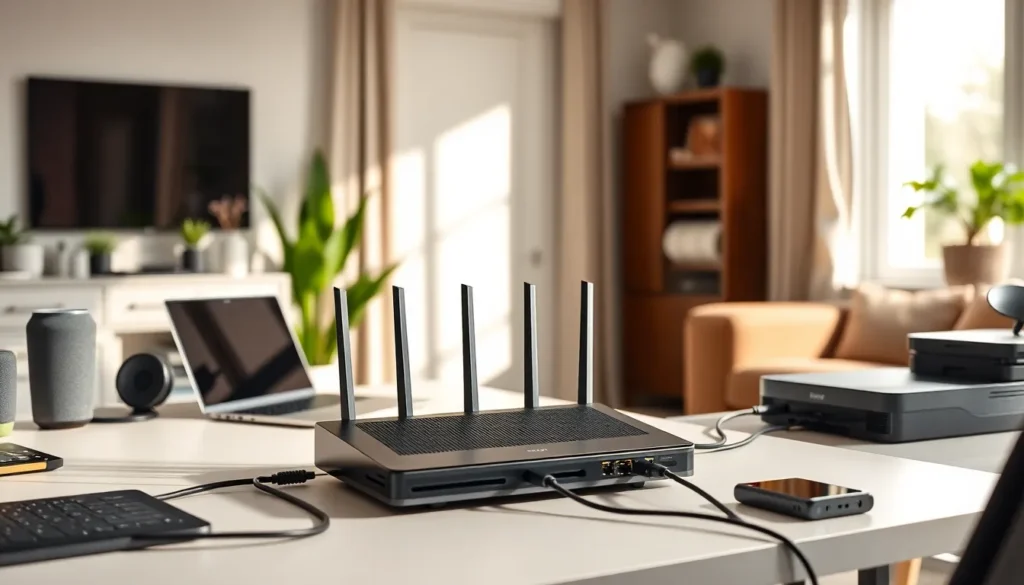

Imagine a world where your devices talk to each other seamlessly, like a well-rehearsed dance routine. In today’s tech-savvy age, home networking has become a necessity, not a luxury. From streaming your favorite show to securing your smart fridge, having a solid home network in place is crucial. But wait, what exactly is home networking? Grab your favorite beverage and settle in: this guide will take you through everything you need to know about transforming your home into a connected haven. Let’s jump into the nitty-gritty of home networking.
Understanding Home Networking Fundamentals
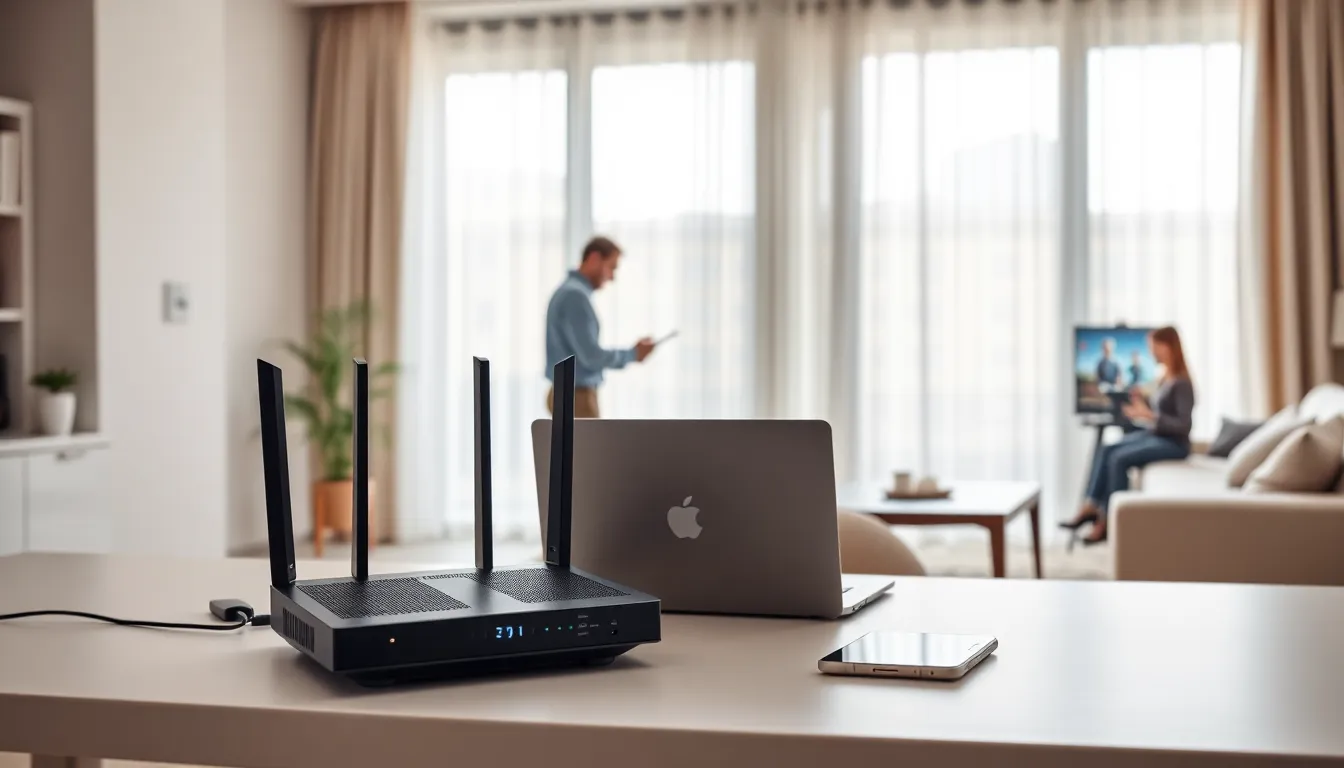
Home networking simplifies the way devices communicate within a residence. At its core, it involves connecting gadgets through wired or wireless means. Think of it as a digital highway where data zips back and forth at incredible speeds. This system allows devices to share resources, from files to printers, enhancing overall efficiency. In general terms, the main goal is to establish a consistent internet connection throughout the home. The key players here include routers, switches, and sometimes modems. But the essentials don’t stop there. Understanding how these components interact can pave the way for a powerful network.
Types of Home Networks
When it comes to home networks, variety is the spice of life. There are generally two main categories: wired and wireless.
Wired Networks
Wired networks use Ethernet cables to create connections. They offer high speed and reliability but can be a physical clutter, especially in a sprawling home. Perfect for gamers or anyone who values low latency, wired networks are the gold standard for stability.
Wireless Networks
On the other hand, wireless networks provide flexibility and convenience. They use Wi-Fi signals to connect devices, allowing users to roam freely. But, they come with caveats like potential interference from walls or appliances, which can affect speed and connectivity. While wireless is undeniably convenient, the choice between wired and wireless eventually depends on individual needs and circumstances.
Key Components of a Home Network
Understanding the essentials of home networking requires familiarity with its core components. Here are the main players you’ll encounter:
- Router: Think of this as the brain of your home network, sending data to and from various devices. It connects to the internet and distributes the signal throughout your house.
- Modem: This device connects your home network to the internet. It translates data from your service provider into a format that your router can understand.
- Switch: If you’ve got a lot of devices, a switch may come in handy. It expands your network by allowing multiple devices to connect to the router using Ethernet cables.
- Access Points: These help extend your Wi-Fi coverage, especially in larger homes where a single router can’t reach.
- Network Cables: Whether Cat 5, Cat 6, or beyond, these cables physically connect devices in a wired network, ensuring high-speed data transfer.
Setting Up Your Home Network
Setting up a home network might sound daunting, but it’s manageable with the right steps. Start by selecting your internet service provider (ISP) and plan according to your needs. Once that’s done:
- Connect the modem to your wall outlet and power it up.
- Connect your router to the modem using an Ethernet cable. Power up the router.
- Access the router’s settings via a web browser using the default IP address (usually found on the back of the router).
- Configure Wi-Fi settings, including your network name (SSID) and password.
- Connect devices to the Wi-Fi network using the chosen password. Voila. You’re now set up to surf, stream, and connect. Don’t forget to write down your passwords: future-you will thank you.
Securing Your Home Network
In a digital world, security is paramount. If your network security is weak, you’re leaving the door wide open for potential intrusions. Here’s how to lock that door:
- Change the default router password: Many people leave it as-is, making it easy for anyone to gain access.
- Use WPA3 encryption: Opt for the latest encryption protocol to protect your network data.
- Regularly update firmware: This keeps your devices secure against vulnerabilities.
- Disable WPS: Wi-Fi Protected Setup can be a boon for quick connections but can also be a security flaw.
- Create a guest network: For friends and family, this keeps your main network private and less vulnerable. Securing your home network is like fitting your digital home with top-notch locks.
Troubleshooting Common Home Networking Issues
Sometimes, networks misbehave. But don’t sweat it. Here are common issues and their fixes:
- Slow internet speed: Check your bandwidth usage: too many devices may be hogging it.
- Wi-Fi signal drops: Switch to a less congested channel via your router settings.
- Devices not connecting: Ensure that your Wi-Fi password is correct and restart your devices.
- No internet connection: Restart your modem and router. If that fails, contact your ISP.
Troubleshooting can feel tedious, but often, a simple reset can do wonders.
Future Trends in Home Networking
The landscape of home networking is ever-evolving, with exciting trends on the horizon. Mesh networks are gaining popularity, allowing seamless coverage in larger homes. Meanwhile, Wi-Fi 6 technology is making waves by providing faster speeds and better performance even in crowded environments. IoT (Internet of Things) devices are becoming commonplace, further driving the need for robust home networks. Enhanced security protocols are also emerging, catering to the security-focused user. As the reliance on connected devices increases, investing in the right technology will become crucial. Home networking is entering a new era.