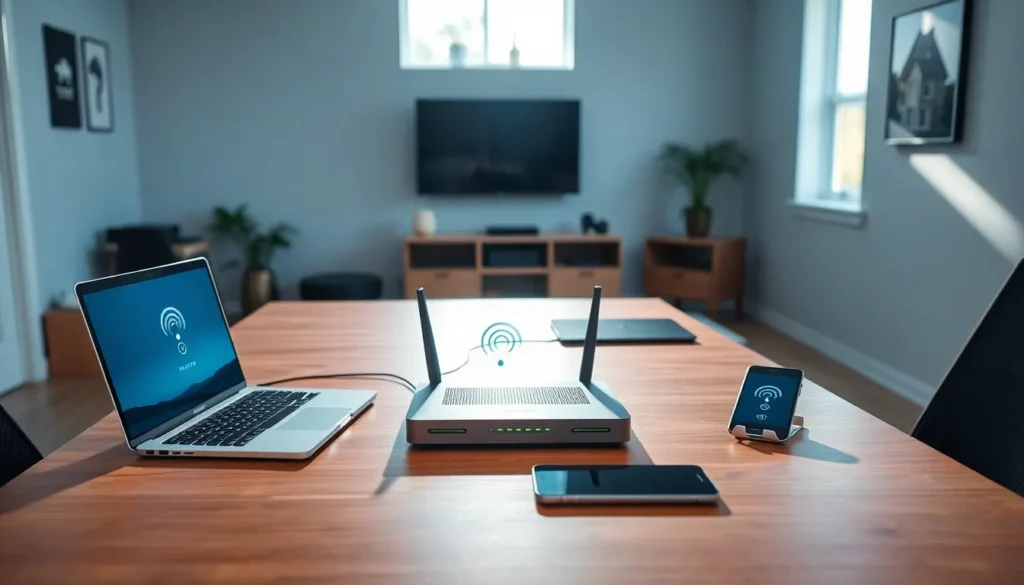

In a world where staying connected is as essential as breathing, understanding home networking solutions isn’t just a techie hobby anymore – it’s a necessity. You wouldn’t drive a car without insurance, so why would you surf the web without a secure, efficient home network? Whether streaming the latest binge-worthy series or attending virtual meetings in pajamas, having the right setup can make all the difference. So, let’s jump into the world of home networking, where ‘Wi-Fi’ isn’t just a password, it’s a lifestyle.
Understanding Home Networking

Home networking refers to the practice of connecting multiple devices within a single residence to share information, resources, and an internet connection. This network allows devices like computers, smartphones, tablets, and smart home gadgets to communicate with one another. At its core, a home network is your personal digital ecosystem, built to enhance how you interact with technology.
Connectivity not only helps in seamless streaming and gaming, but also makes managing home security systems and smart appliances a breeze. Understanding this framework is key to making informed decisions about your setup. Next, let’s explore the different types of networks that can power this connectivity.
Types of Home Networks
There are mainly two types of home networks: wired and wireless. Each type boasts its own set of pros and cons, and the choice can depend on individual needs.
Wired Networks
Wired networks offer stable and reliable connections through Ethernet cables. They are ideal for data-heavy tasks like gaming or video editing. Speed is typically higher, and interference is minimal. But, installation can be cumbersome as running cables through walls or floors may pose a challenge.
Wireless Networks
On the flip side, wireless networks provide flexibility and ease of setup, allowing for mobility throughout the home. But, they can be susceptible to interference from walls or appliances, leading to varying speed and connection stability. Many households today opt for a mix of both strategies to reap the rewards of each.
Key Components of Home Networking
To build an effective home network, it’s essential to understand its key components. Here’s a breakdown of the major players:
Wireless Networking Solutions
Wireless routers are the heart of a wireless network. They create signals that devices can connect to, allowing for seamless internet access. Not only do they vary in speed and range, but many come equipped with security features to protect your data.
Wired Networking Options
For those who prefer reliability, Ethernet cables, switches, and routers are indispensable. These components ensure a consistent internet connection without the fluctuations often associated with wireless setups. Think of it like a main highway for data, where devices can travel without barriers.
Choosing the Right Router
Selecting the right router can be overwhelming with endless options available. But, recognizing what you need can simplify the process. Factors to consider include:
- Speed Requirements: Higher speeds are vital for gaming or streaming in 4K.
- Coverage Area: The size of your home dictates the range required. Larger homes might benefit from mesh networks.
- Number of Devices: Consider how many devices will connect to your network simultaneously. More devices often require a powerhouse router.
- Security Features: Look for routers with features such as WPA3 encryption and automatic firmware updates to keep cyber threats at bay.
Enhancing Network Security
Network security should never be an afterthought. With data breaches becoming increasingly common, safeguarding your home network is paramount. Here are some strategies to bolster your defenses:
- Change Default Passwords: Many devices come with generic passwords which are easy targets. Change them to unique and complex phrases.
- Enable Network Encryption: This ensures that data traveling over your network remains secure.
- Keep Software Updated: Regularly updating firmware on routers or devices can close potential security holes.
- Use Guest Networks: If guests need Wi-Fi access, provide them with a separate network to keep your primary network secure.
Troubleshooting Common Network Issues
Even the best networks can experience issues. Here’s a list of common problems and quick fixes:
- Slow Internet Speeds: Restart your router, check for bandwidth-heavy applications running, and consider upgrading your plan.
- Frequent Disconnections: Check for interference from other devices and ensure the router is updated.
- Limited Range: Consider using range extenders or a mesh network to cover all areas of your home.